MENU
MENU
In the EasyCalibrate script, we showed how to perform wavelength calibration (i. e., the assignment of pixels ➙ wavelength (nm) for our DIY spectrometers) with just a few lines of Python script. For this purpose, linear regression was used, which is perfectly adequate for simple applications with low calibration requirements.
However, if you want to perform more sophisticated experiments, you will quickly find that linear calibration is not sufficient for this purpose. The use of second-degree polynomials provides a remedy here.
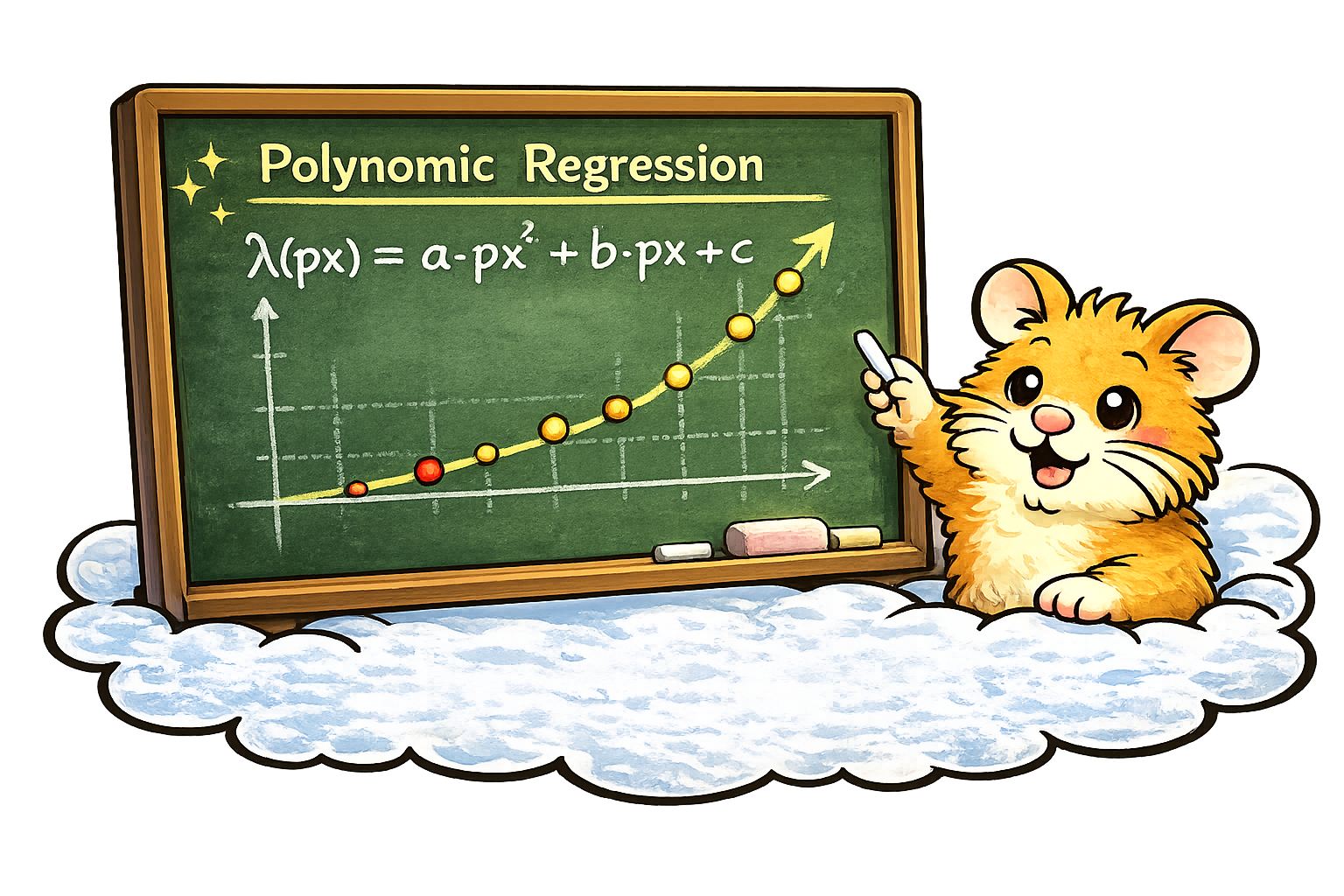
On this page, we present a corresponding improved Python script. With this script, our DIY spectrometers can be calibrated so that, for example, the positions of the emission peaks across the entire sensor area can be determined in the experiment with an accuracy of a few tenths of a nanometer.
For the demonstration of the script, a red cold cathode lamp (CCFL) is used here as an example reference source, since these light sources are relatively easy and inexpensive to obtain (we are happy to help with this).
They are used, for example, in the effect lighting of gaming PCs or as LCD backlights.
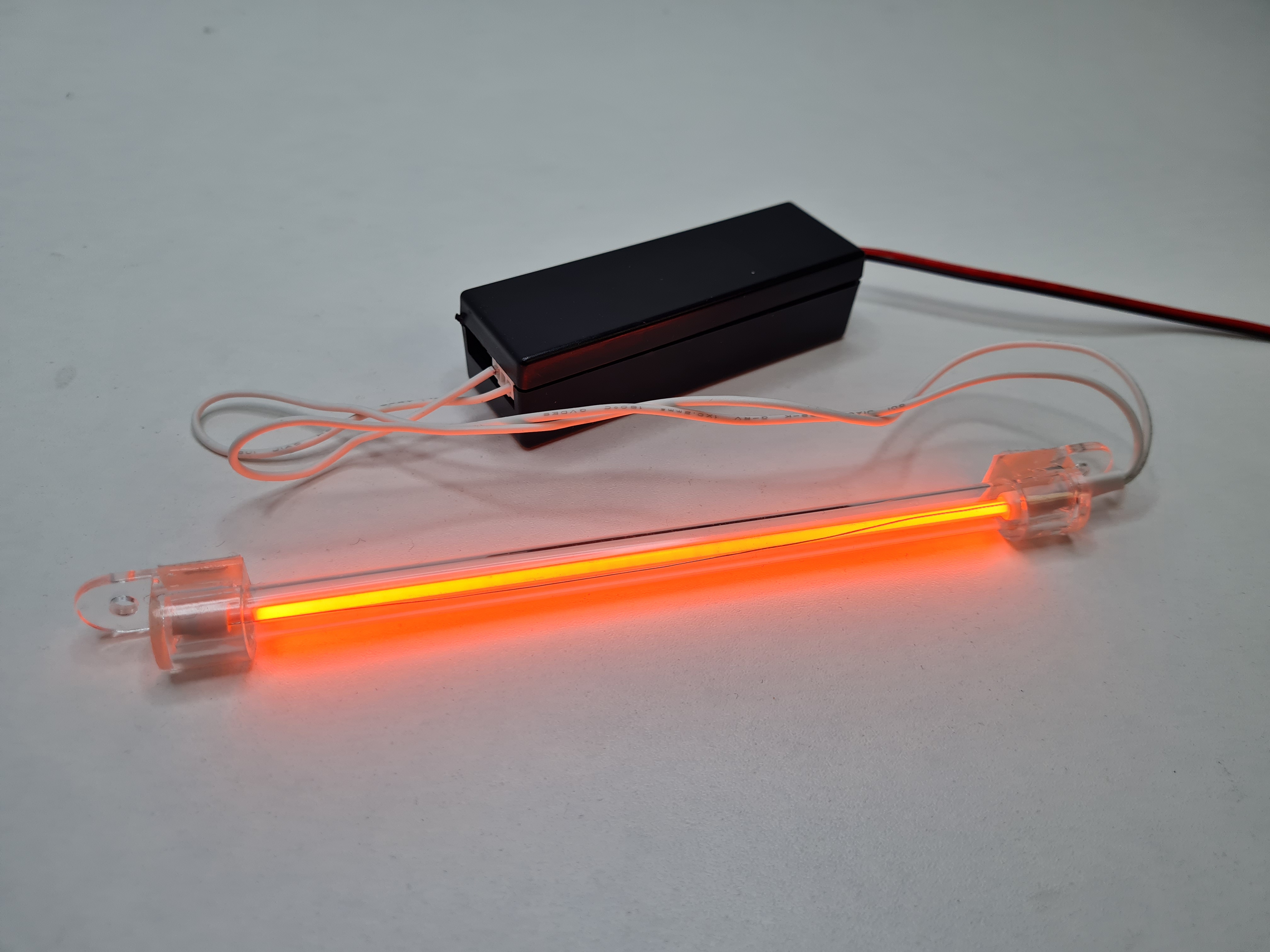
But in general, CCFLs offer a number of additional advantages:
However, other light sources (such as LEDs or laser diodes) with known emission maxima can also be used for calibration. Bandpass or edge filters are also suitable. Some of these options are already prepared (but commented out) in the example script. These can be reactivated at any time if required and modified with the wavelengths and designations specifically used by the user.
The software provides a live display of the line-scan camera data (counts versus pixel, and after calibration also with a wavelength scale) and allows you to set the integration time as well as start and stop the camera.
Reference peaks can be marked interactively, either via right-click or by pressing the spacebar.
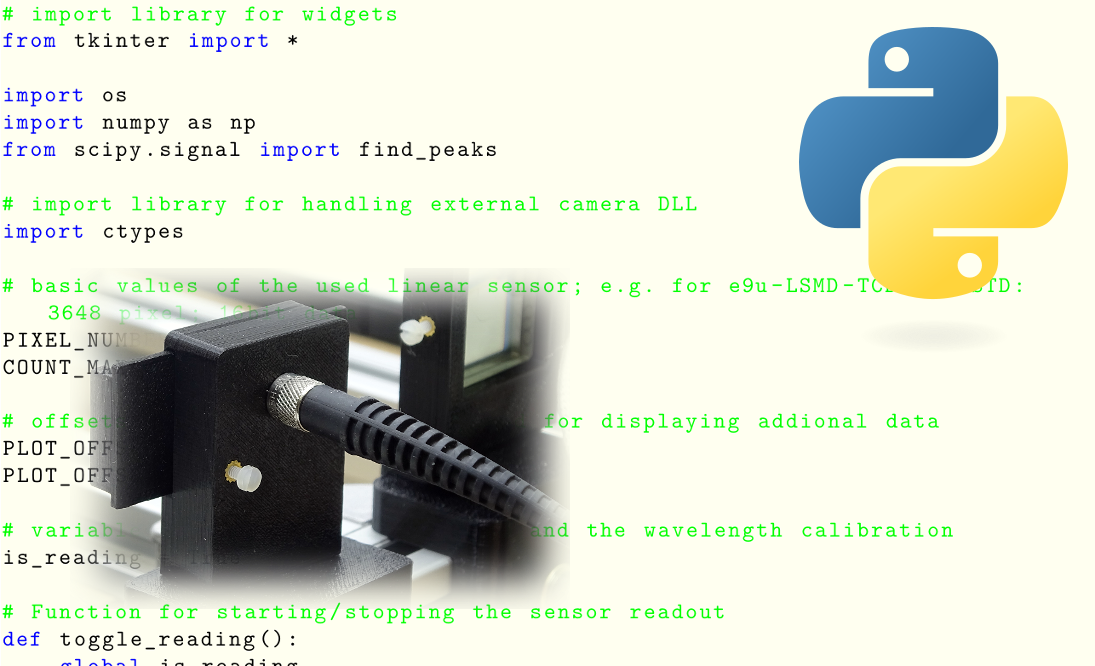
Depending on the number of reference points, a fit is performed for calibration: With two reference points, a linear fit is performed; with three or more reference points, a quadratic fit (2nd order) is performed. The calibration can be saved and reloaded, whereby both a CSV file and a TXT file are generated for compatibility reasons with other scripts. In addition, the currently recorded spectrum can be exported as CSV (pixels, counts, and optionally wavelength).
The complete Python script is available for download here. Only the most important passages are discussed in detail below.
This video shows the workflow when using the script. First, after switching on the lamp, an integration time is selected at which the reference peaks are clearly visible. After stopping the camera, the lines can then be identified and marked at leisure.
In the red CCFL, in addition to the Hg lines, Argon lines are also clearly visible at the beginning. These Argon lines are particularly valuable for calibration because they provide additional reference points in the red/NIR range. However, they disappear within about 20 seconds once the lamp reaches operating temperature.
Why? During warm-up, the mercury vapor pressure/concentration in the tube rises; the spectrum becomes increasingly dominated by Hg processes, and Argon emissions fade into the background (depending on the lamp type, this happens faster or slower).
After warm-up, the spectrum is stable, but less attractive for a »multi-point« calibration: The red color now mainly comes from a phosphor that has strong emission around approx. 615 nm and weaker components between approx. 575 – 625 nm; the additional Argon lines are no longer available.
For calibration, the reference lines should therefore be made visible within the first ~20 seconds after switching on by choosing an appropriate integration time, and then the camera should be stopped. In practice, this also means that the calibration script should already be running before the CCFL is turned on.
The quality of a calibration depends primarily on the selected reference peaks and the integration time used!
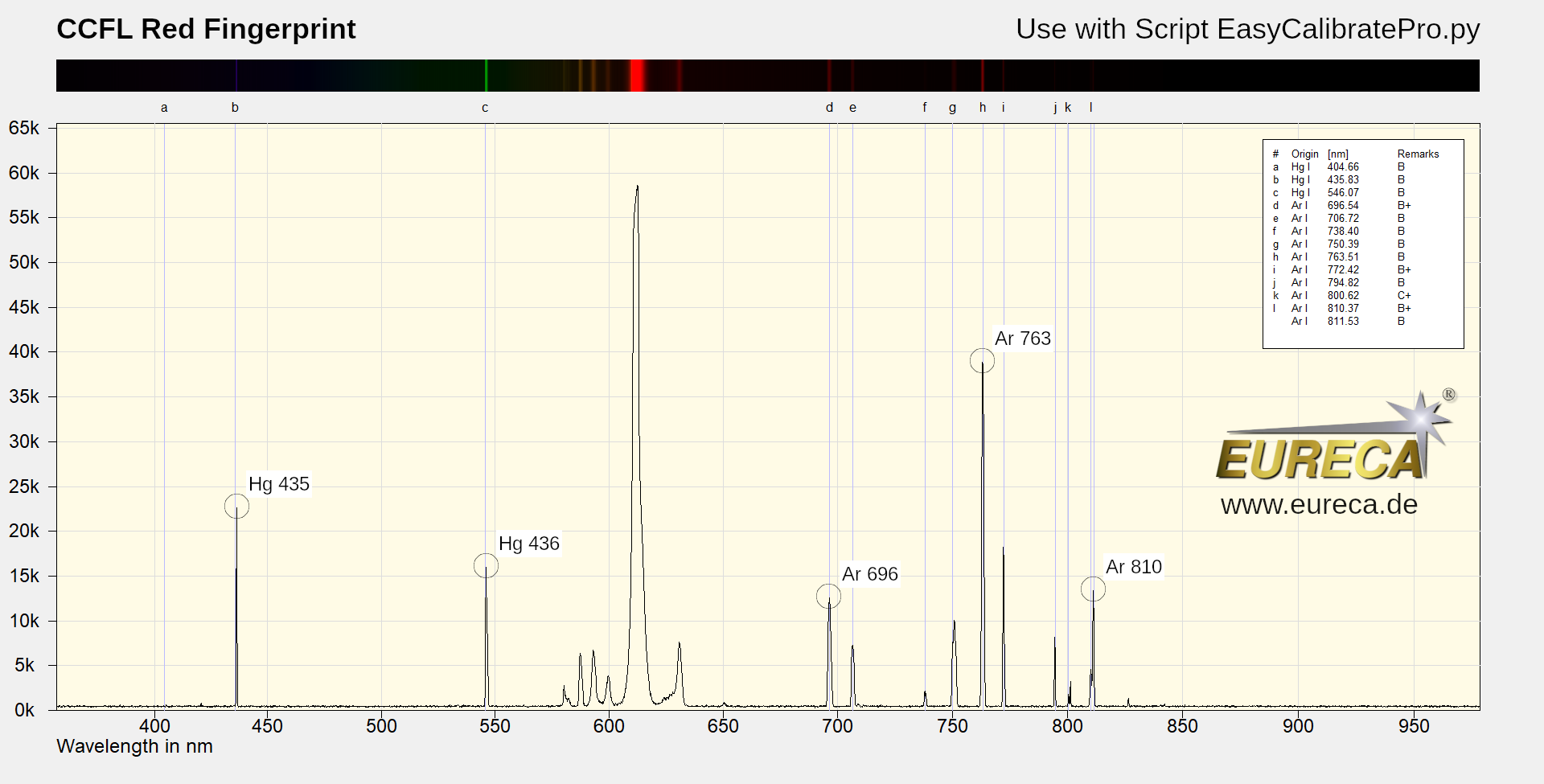
»Spectral fingerprint«: The positions of the emission lines used in the script are marked in this spectrum. Simply click and print: This should make it easy to identify the corresponding lines during calibration.
At the beginning of the script, the reference source is selected via a commented-out block. Five reference points are prepared for the red CCFL (Hg/Ar):
# calibration data for five emission lines (Hg/Ar) of a red CCFL (Cold Cathode Fluorescent Lamp)

# number of calibration points (min. 2, max. 5)
N_REF_POINTS = 5

# wavelengths of the calibartion lines/points
ref_values_nm = [435.83, 546.07, 696.54, 763.51, 810.37][:N_REF_POINTS]

# label of buttons
ref_labels = ["Peak for \"Hg 435\"", "Peak for \"Hg 546\"", "Peak for \"Ar 696\"", "Peak for \"Ar 763\"", "Peak for \"Ar 810\""][:N_REF_POINTS]
The script also already contains (commented out) sections for the use of other reference sources, including for bandpass filters or inexpensive laser diode modules.
Over larger spectral ranges, the »pixel ➙ wavelength« mapping in real setups is often slightly nonlinear (optical geometry, imaging errors, dispersion effects). A quadratic approach is an established, stable compromise here: significantly more accurate than linear, but much more robust than higher polynomials.
A quadratic model is used for three or more reference points:
In the code (key lines):
               a, b, c = np.polyfit(pixels, waves, 2)
               polyfit = np.poly1d([a, b, c])
With exactly two points, a linear fit is automatically applied.

For wavelength calibration, you need a list of measurement pairs:
For example, .
We are then looking for a function that converts each pixel into the best possible wavelength :
The following model is often used for a quadratic approach (2nd order polynomial):
The three coefficients , and are then exactly what is ultimately stored as calibration data for the spectrometer.
With exactly three reference points, , and can be determined so that the parabola passes exactly through all three points.
In practice, however, there are often more than three reference lines – and then there is generally no parabola that passes perfectly through all points (e. g., due to peak uncertainty, noise, saturation, slightly asymmetrical lines, etc.).
Therefore, the curve that best fits the points on average is typically sought. The standard approach here is the least squares method: the sum of the quadratic deviations (residuals) is minimized.
This is exactly what the np.polyfit(...) function does in the background: a least squares fit for a polynomial of a given degree.
The »cool« thing: Doing this by hand is tedious and prone to numerical errors – Python solves it robustly in milliseconds (and even warns you if the fit is poorly conditioned).
The function
is the calibration curve »pixel ➙ nm«.
This becomes practically tangible via the local dispersion (derivative):
This means that for pixel , the »nm per pixel scaling« is approximately . This is helpful, for example, when a line width is measured in pixels and interpreted in nm.
Note for further reading: A detailed derivation (normal equations, QR/SVD, etc.) can be found very well explained on the internet, e. g. here:
Here you can easily ask a question or inquiry about our products:
Last update: 2026-02-24

EURECA Messtechnik GmbH
Deutz-Kalker Straße 35, D-50679 Köln

 Phone: +49 (0)221 952629-0
Fax: +49 (0)221 952629-9
info(at)eureca.de
www.eureca.de